 Google Analytics integration
Build Google Analytics dashboards for traffic, conversions, campaigns, and content
Connect GA4 to Chartbrew and turn users, sessions, events, conversions, landing pages, referrers, campaigns, channels, and content performance into live dashboards.
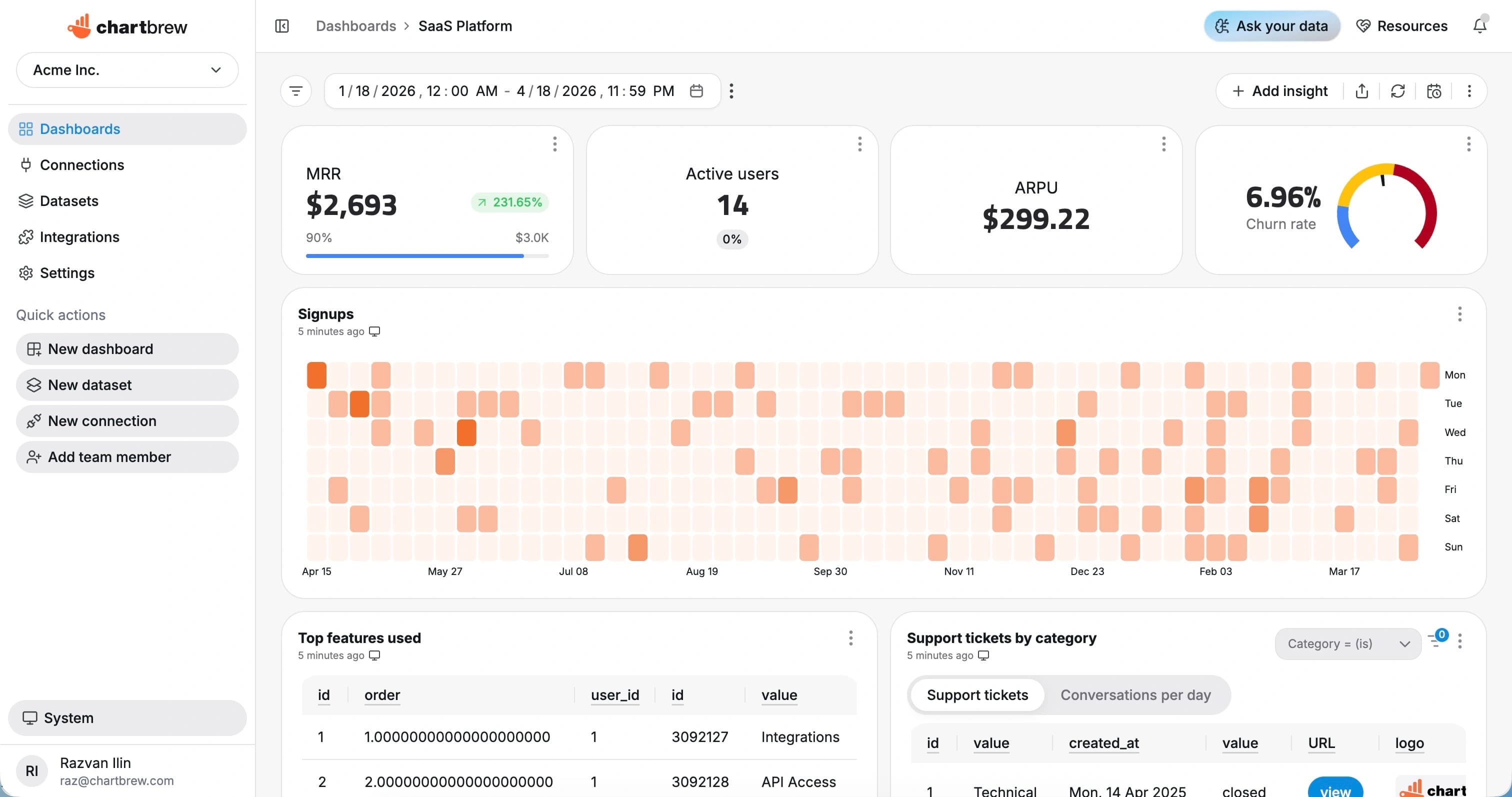
What You Can Track
Google Analytics metrics that make marketing reports easier to share
Use Chartbrew to build GA4 dashboards for stakeholders who need traffic, acquisition, conversion, and content reporting in one place.
Users and sessions
Track total users, active users, sessions, engaged sessions, and engagement rate.
Traffic channels
Break down acquisition by channel, source, medium, campaign, and referrer.
Events and conversions
Report on GA4 events, key events, conversion rates, and goal activity.
Page performance
Rank landing pages, content pages, paths, and screens by engagement and traffic.
Geography and devices
Segment analytics by country, city, device category, browser, and platform.
Marketing trends
Monitor traffic, conversions, and engagement over daily, weekly, and monthly periods.
How It Works
From Google Analytics connection to live dashboard
The Google Analytics workflow is built around a source connection, reusable datasets, scheduled refreshes, and shareable dashboards.
Connect Google Analytics
Connect with Google OAuth and select the GA4 property you want to report on.
Choose the reporting scope
Choose GA4 dimensions, metrics, date ranges, filters, comparisons, and reporting tables.
Create datasets
Turn the response fields you need into KPI, chart, and table datasets with filters and date ranges.
Share live reporting
Publish dashboards, embed reports, or send scheduled snapshots so reporting stays repeatable.
Why Chartbrew for Google Analytics
A GA4 dashboard your whole team can read
Chartbrew turns Google Analytics data into shareable dashboards that can include other marketing, product, database, and revenue sources.
GA4 report builder
Use dimensions and metrics from Google Analytics to build reusable traffic, event, and conversion datasets.
Client-ready dashboards
Create clean dashboards and scheduled snapshots for agency, marketing, and leadership reporting.
Cross-source context
Place GA4 traffic beside Stripe revenue, Customer.io lifecycle data, APIs, and product databases.
AI-assisted analysis
Ask Chartbrew AI for dashboard ideas around traffic, channels, conversions, and content performance.
Scheduled reporting
Refresh GA4 dashboards and send recurring snapshots without manual report building.
Reusable filters
Use variables to reuse dashboards across sites, campaigns, channels, countries, and date ranges.
Setup Requirements
What you need before connecting Google Analytics
Start with the right Google Analytics access, a clear reporting scope, and a few fields that map to useful dashboard metrics.
A Google Analytics 4 property
A Google account with access to the GA4 property
OAuth permission to connect the property to Chartbrew
Dimensions and metrics for the dashboard, such as channel, page, event, or conversion
Optional campaign, country, device, or content filters
| Dataset idea | What it can power |
|---|---|
| Users and sessions | Users, sessions, and engaged sessions over time |
| Traffic by channel | Acquisition grouped by default channel group, source, or medium |
| Top landing pages | Landing pages ranked by users, sessions, or conversions |
| Event activity | GA4 events grouped by event name and date |
| Conversions | Key events or conversion metrics by source, page, or campaign |
| Device breakdown | Users and sessions by device category or platform |
| Country report | Traffic and engagement grouped by country or city |
| Campaign performance | Users, sessions, and conversions by campaign parameters |
Setup Guide
Follow the GA4 integration guide
Use the guide to connect Google Analytics, pick dimensions and metrics, and build a Chartbrew marketing dashboard.
Related Features
Features that make Google Analytics reporting useful
Use Google Analytics dashboards with Chartbrew automation, AI workflows, sharing, embeds, filters, and reporting tools.
Report builder
Build web analytics reports with KPI cards, trend charts, tables, filters, and reusable layouts.
Chartbrew AI
Ask for traffic, conversion, referrer, event, and campaign dashboard ideas in plain language.
Data update schedules
Refresh analytics dashboards automatically so weekly and monthly reporting does not depend on exports.
Dashboard snapshots
Send scheduled analytics snapshots to clients, marketing teams, and leadership reviews.
Filter variables
Reuse analytics dashboards across sites, channels, countries, campaigns, and reporting periods.
Embedded reports
Embed traffic and conversion dashboards in client portals or internal marketing workspaces.
Related Integrations
Connect Google Analytics with the rest of your reporting stack
Blend Google Analytics metrics with product, customer, revenue, analytics, project, and operational data from other Chartbrew sources.
FAQ
Google Analytics integration questions
Practical details about using Google Analytics data in Chartbrew dashboards.
Build your GA4 dashboard
Turn Google Analytics data into reports people actually use
Connect GA4, create reusable datasets, and share traffic, content, campaign, and conversion dashboards across your team or clients.
