
Free AI Data Generator
Generate custom JSON datasets for testing, API mocks, dashboard prototypes, frontend tables, charts, and data visualization examples.
This tool uses OpenAI to generate realistic sample data based on your description. Simply describe the type of data you need, specify the number of rows and columns, and get instant results.
Need more advanced data creation features? Check out Synthbrew, a relational data generator with AI schema designer, runtime API, and advanced data generation features.
How to use the AI data generator
Describe the dataset
Enter the kind of data you need, such as users, orders, tickets, product events, invoices, locations, or campaign results.
Set rows and columns
Choose the size of the sample data so it fits your test, component, chart, API mock, or dashboard prototype.
Generate and copy JSON
Generate the dataset, review the JSON output, and copy it into your project, test fixture, seed script, or prototype.
Go from sample data to real reporting
Create dashboards from your databases, APIs, and business tools
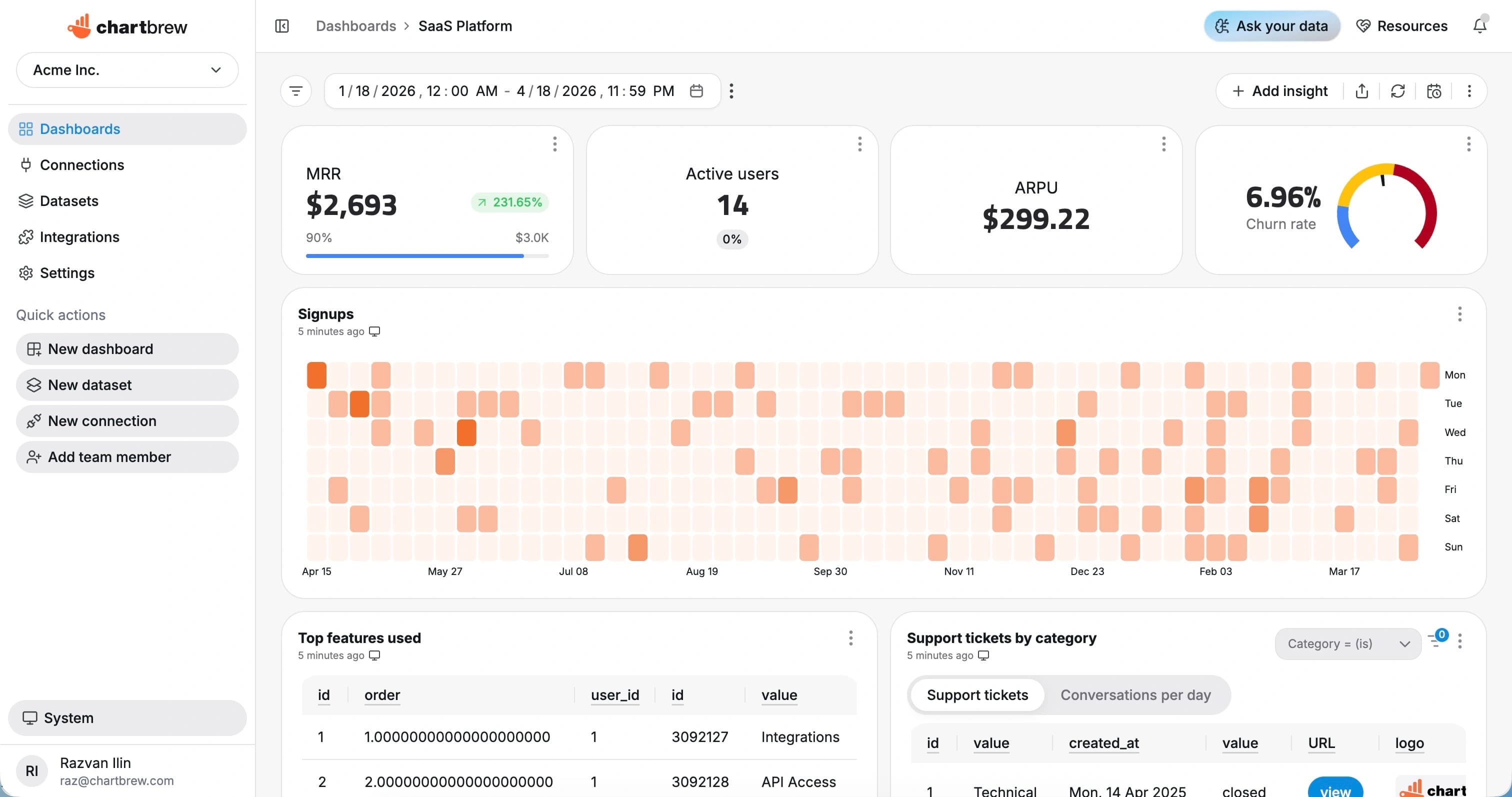
Use generated data while you prototype, then connect Chartbrew to live sources when the real data is ready. Build KPI dashboards, tables, filters, embedded reports, and scheduled snapshots without keeping reporting in mock data.
Why use an AI data generator?
Build before production data is ready
Create sample records for frontend tables, API responses, charts, and dashboard prototypes while the real database or integration is still being prepared.
Match the shape of your use case
Ask for the fields you need, from customer records and product events to financial rows, support queues, location data, or operational statuses.
Avoid manual fixture work
Generate JSON quickly instead of hand-writing repetitive rows every time you need a realistic dataset for development or demos.
Test visual states
Use generated rows to check empty states, long labels, numeric ranges, categorical breakdowns, and chart layouts before connecting live sources.
Common use cases
API mock data
Create JSON responses for internal tools, prototypes, and local development before a production endpoint is available.
Dashboard prototypes
Experiment with KPI cards, tables, trend charts, and breakdowns using sample rows that resemble your planned reporting data.
Database seed data
Use generated records as a starting point for seed scripts, QA datasets, demos, and query examples.
From sample data to live dashboards
Generated data is useful when you are shaping a product screen, testing a chart, or planning the structure of a report. Once the real source exists, Chartbrew can connect to databases, APIs, analytics tools, payment systems, and business apps to build live dashboards from production data.
Use Chartbrew for reusable datasets, dashboard filters, embedded reports, scheduled refreshes, and automated dashboard snapshots when your prototype is ready to become a recurring reporting workflow.
FAQ
What is the free AI data generator for?
The free AI data generator creates small custom datasets for testing, development, API mocks, dashboard prototypes, and data visualization examples.
What format does the generator produce?
The tool produces JSON output that can be copied into prototypes, tests, seed scripts, API examples, or visualization experiments.
How does this relate to Chartbrew?
Chartbrew is used to connect real databases, APIs, analytics tools, and business apps to live dashboards. Generated data is useful before live data is ready, while Chartbrew is the dashboard layer for connected production sources.
Do I need to sign up to use the data generator?
No. The data generator on this page is free to use without signing up. A Chartbrew account is only needed when you want to connect live data sources and build dashboards.
Ready to start
Start tracking your KPIs with Chartbrew
Connect your data, build live dashboards, and give your team one place to check the numbers that matter.
