Live dashboards for product teams
Track your product KPIs in one place
Connect your database or API, build live dashboards for revenue, signups, usage, and team metrics, then share them with the people who need them.
Used by product teams, SaaS companies, and agencies






From internal KPI tracking to client-facing reporting
Features
Everything you need to track what matters
Connect sources, prepare datasets, build dashboards, and keep your reporting workflows moving without adding BI overhead.
Data Sources
Connect the data you already have
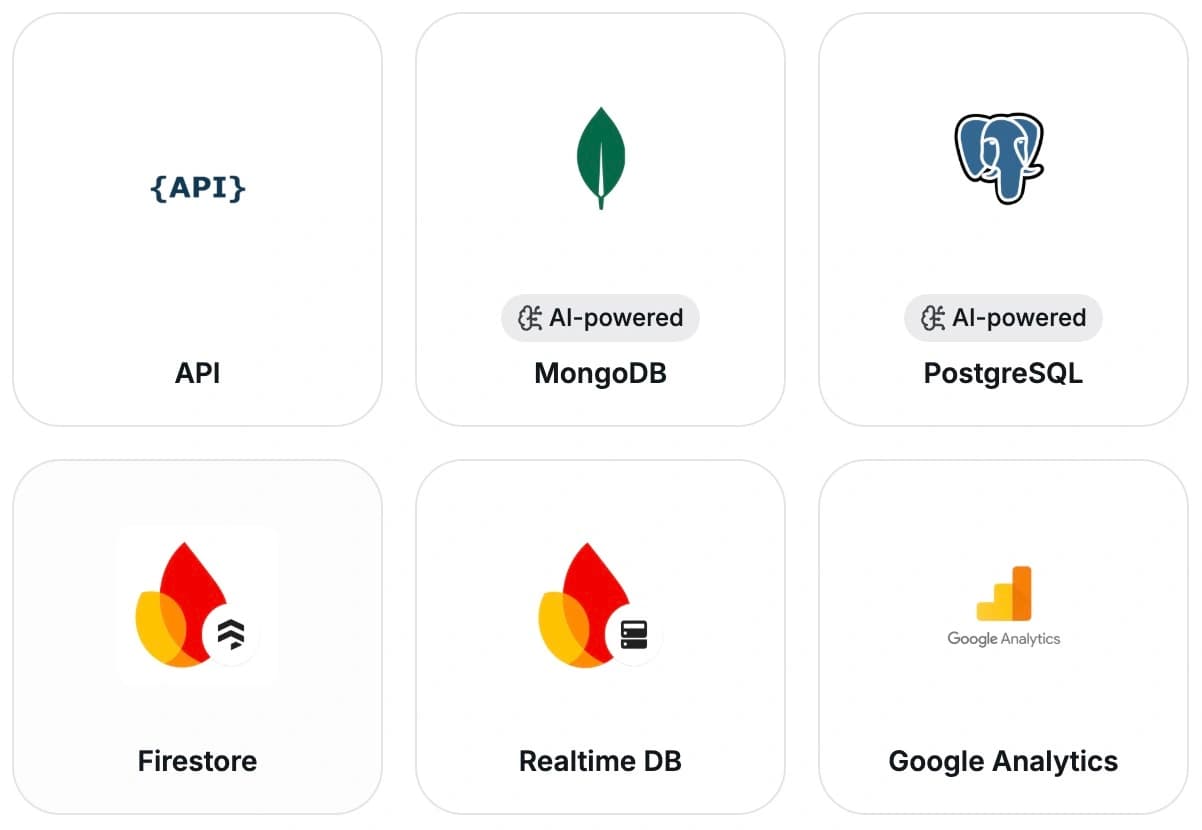
Pull in data from databases, APIs, analytics tools, and more, then turn it into dashboards your team can actually use.










Datasets
Build reusable datasets
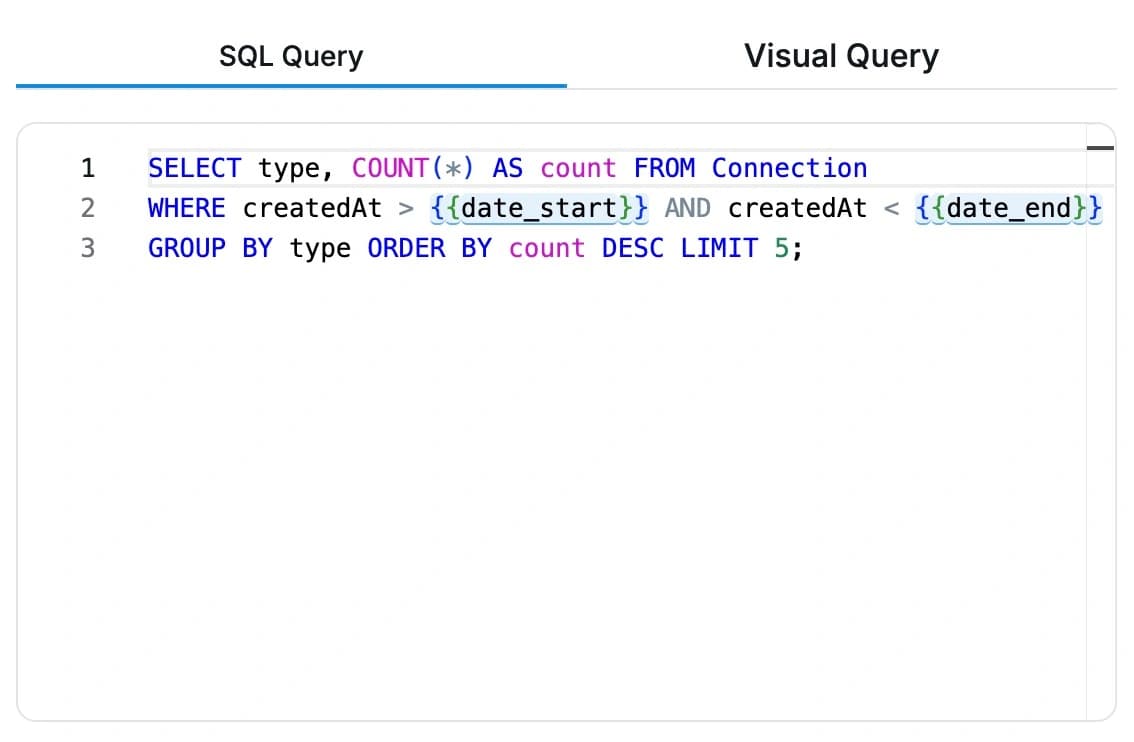
Create datasets once, reuse them across charts and dashboards, and join data from multiple sources when needed. Your engineering can also prepare datasets for the rest of the team to use.
Dashboards
Turn raw data into live KPIs
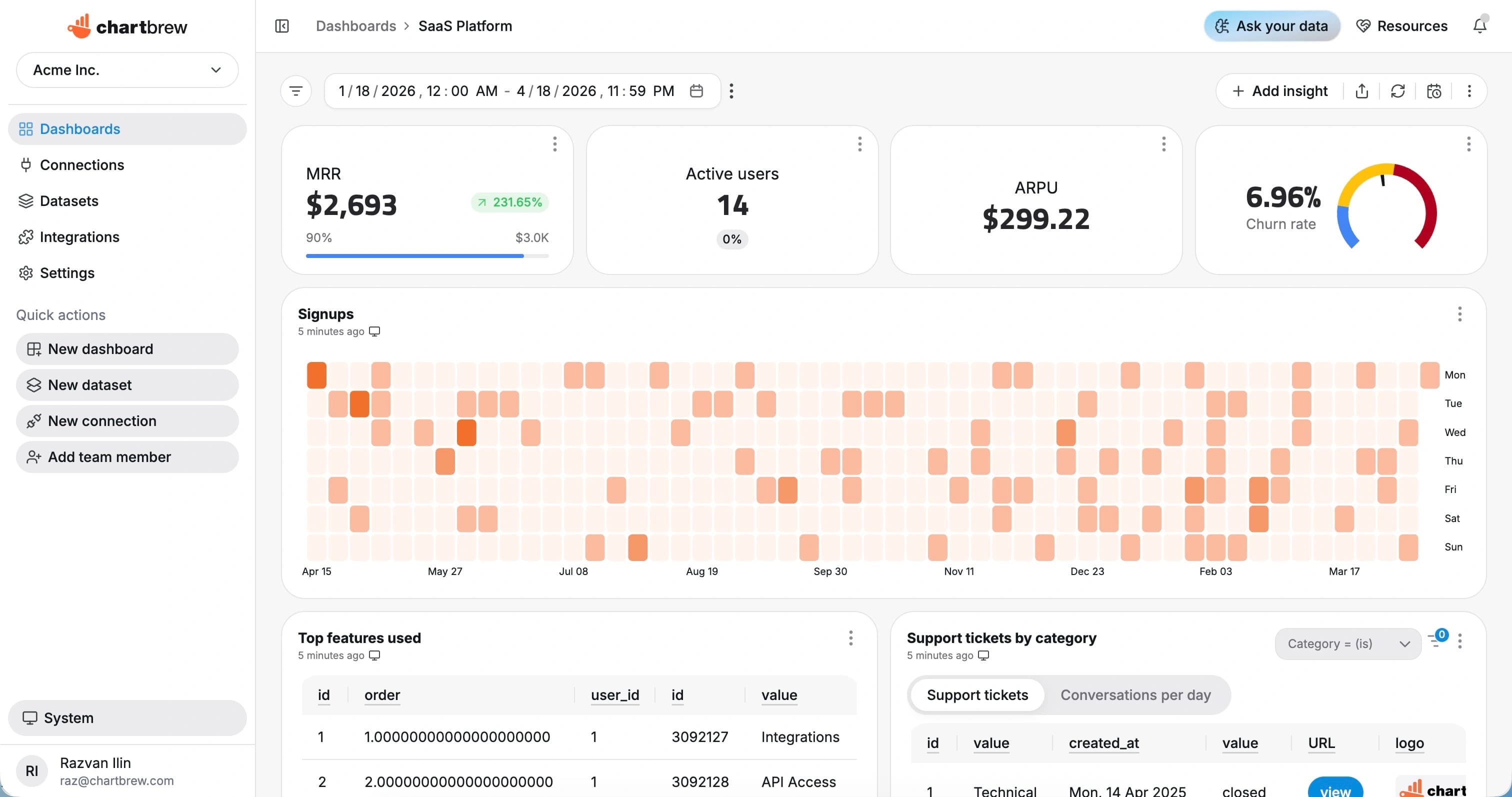
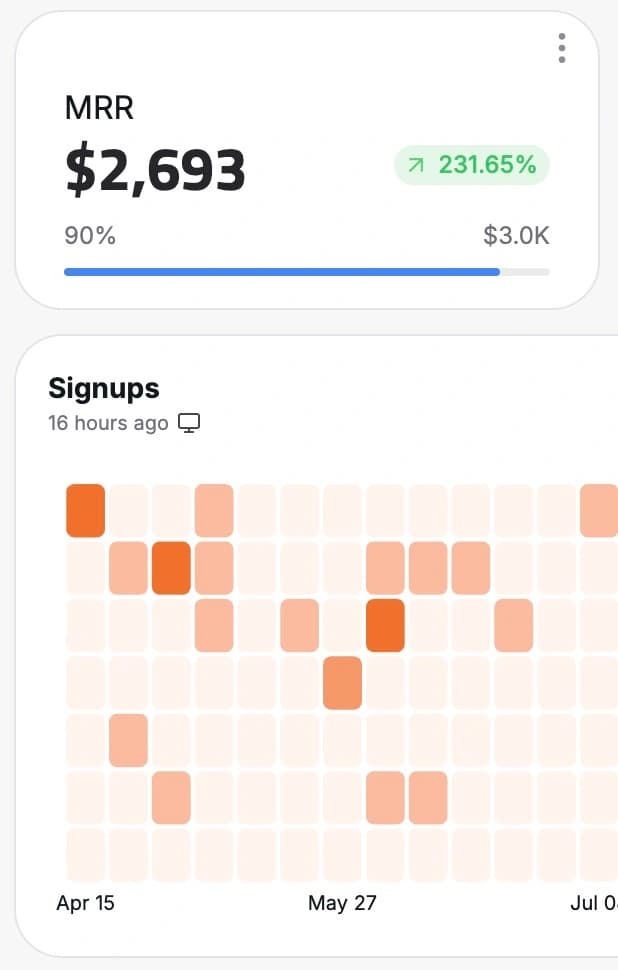
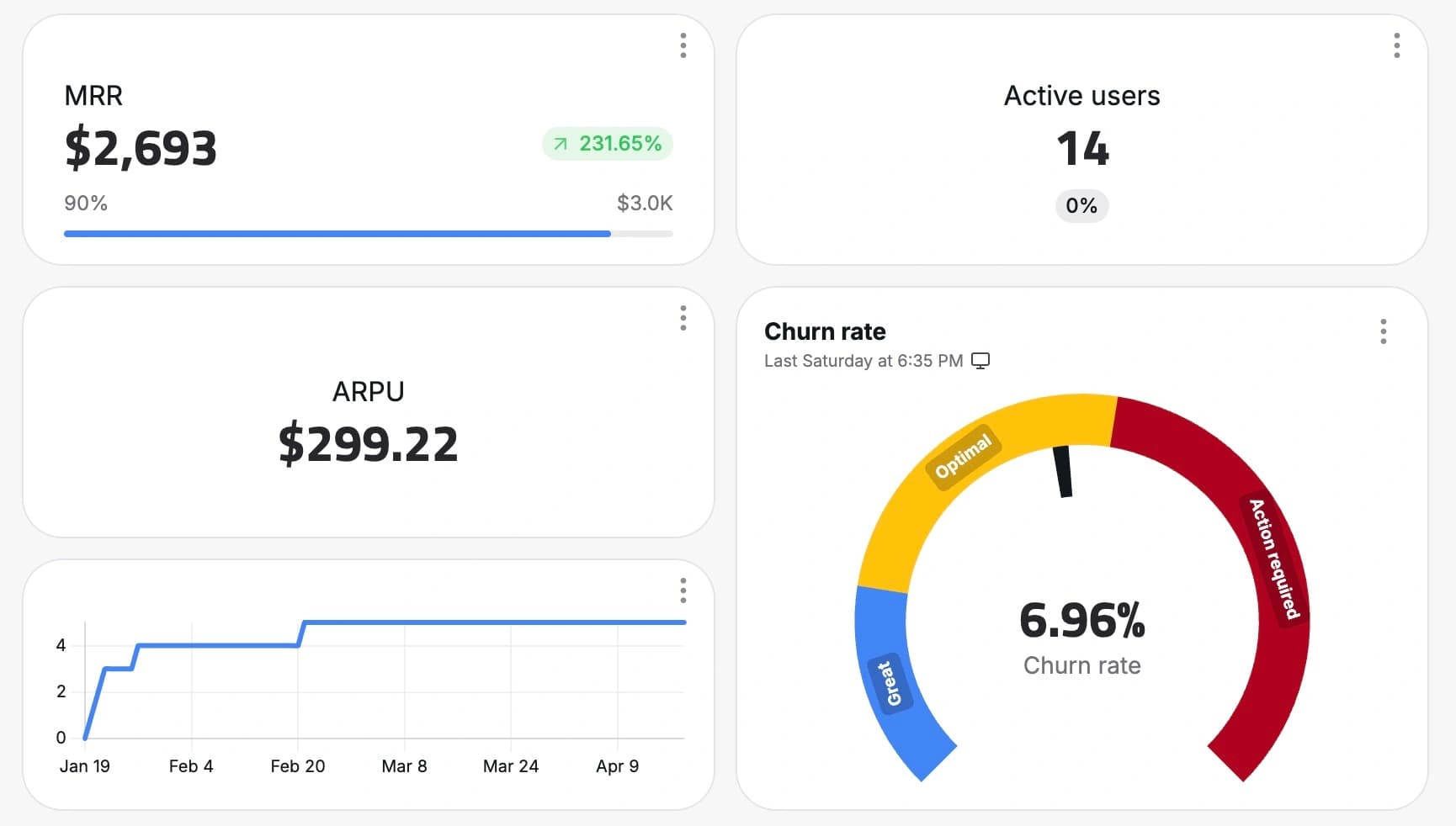
Build dashboards with charts, tables, goals, and filters so your team can track the health of the business at a glance.
AI Assistant
Use AI to move faster
Get help writing SQL, building queries, and exploring your data without starting from scratch. You can even talk about your data in your Slack channels.
Automation
Keep reports up to date
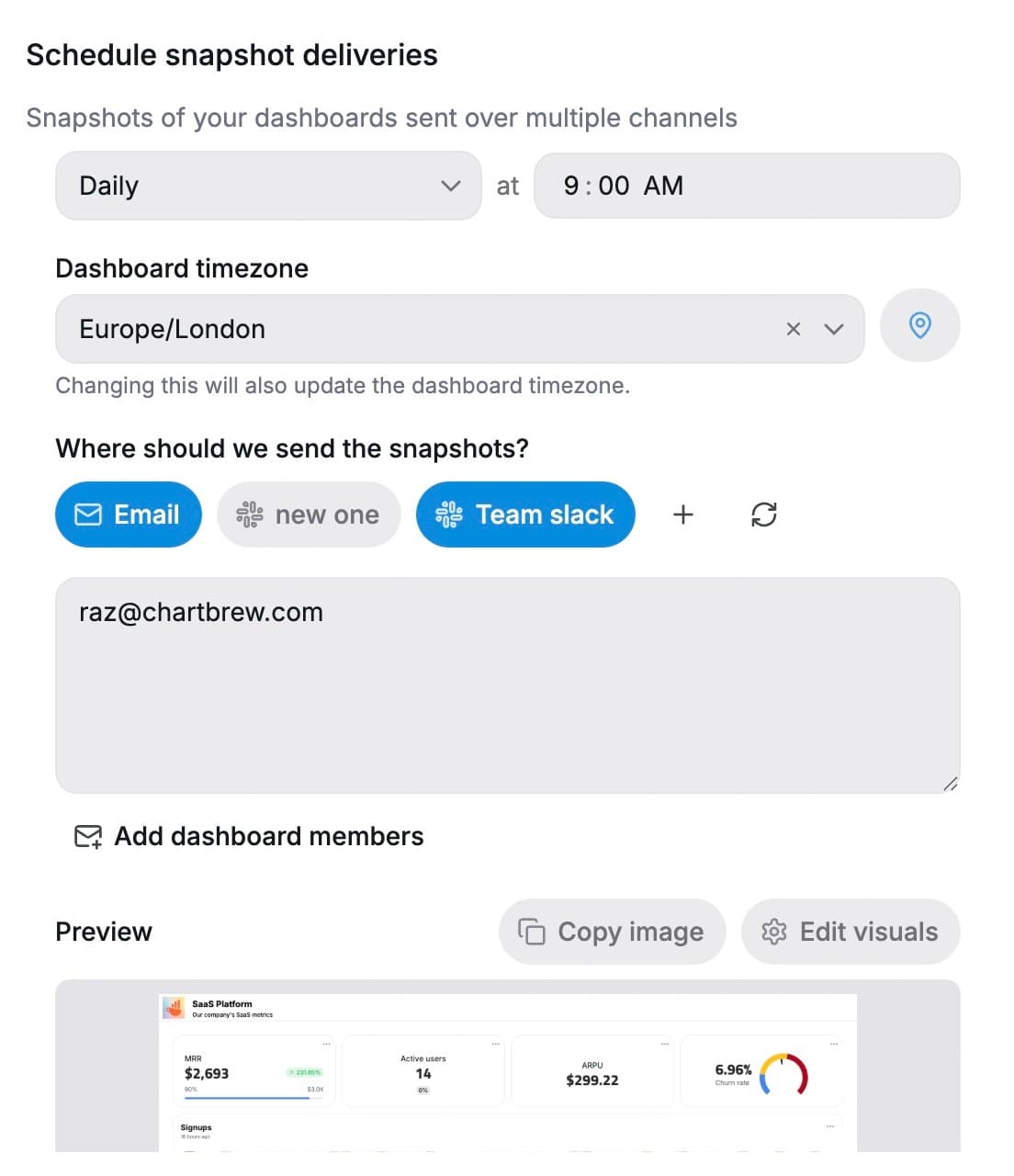
Schedule refreshes, send snapshots, and trigger alerts through Slack, email, or webhooks.
Sharing
Share anywhere
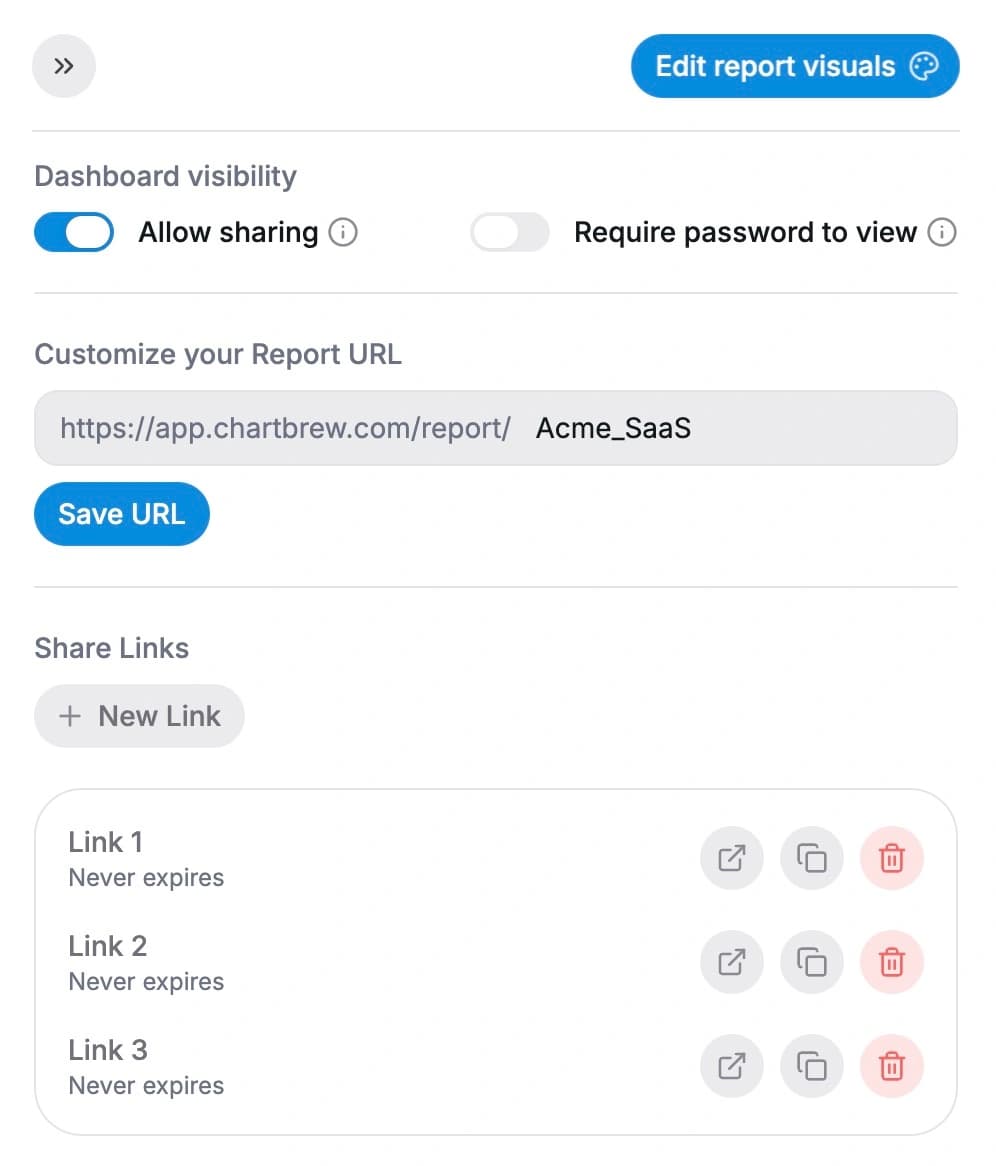
Share dashboards internally, embed them in your product, or give clients controlled access when needed.
Customer Story
A reporting workflow the whole team can actually use
“Chartbrew has helped us move away from having to constantly update clunky Google-based charts, but what most impresses me is the responsiveness and the helpfulness of the people behind Chartbrew.”
Schuyler
Full-stack developer, Fairchain
How It Works
From data source to live dashboard in minutes
The setup flow stays simple: connect the source, prepare the dataset, build the dashboard, then automate sharing.
Connect your source
Start with your database, API, or analytics tool and bring your data into Chartbrew.
Prepare your dataset
Query, filter, and combine the data you need into reusable datasets for charts and dashboards.
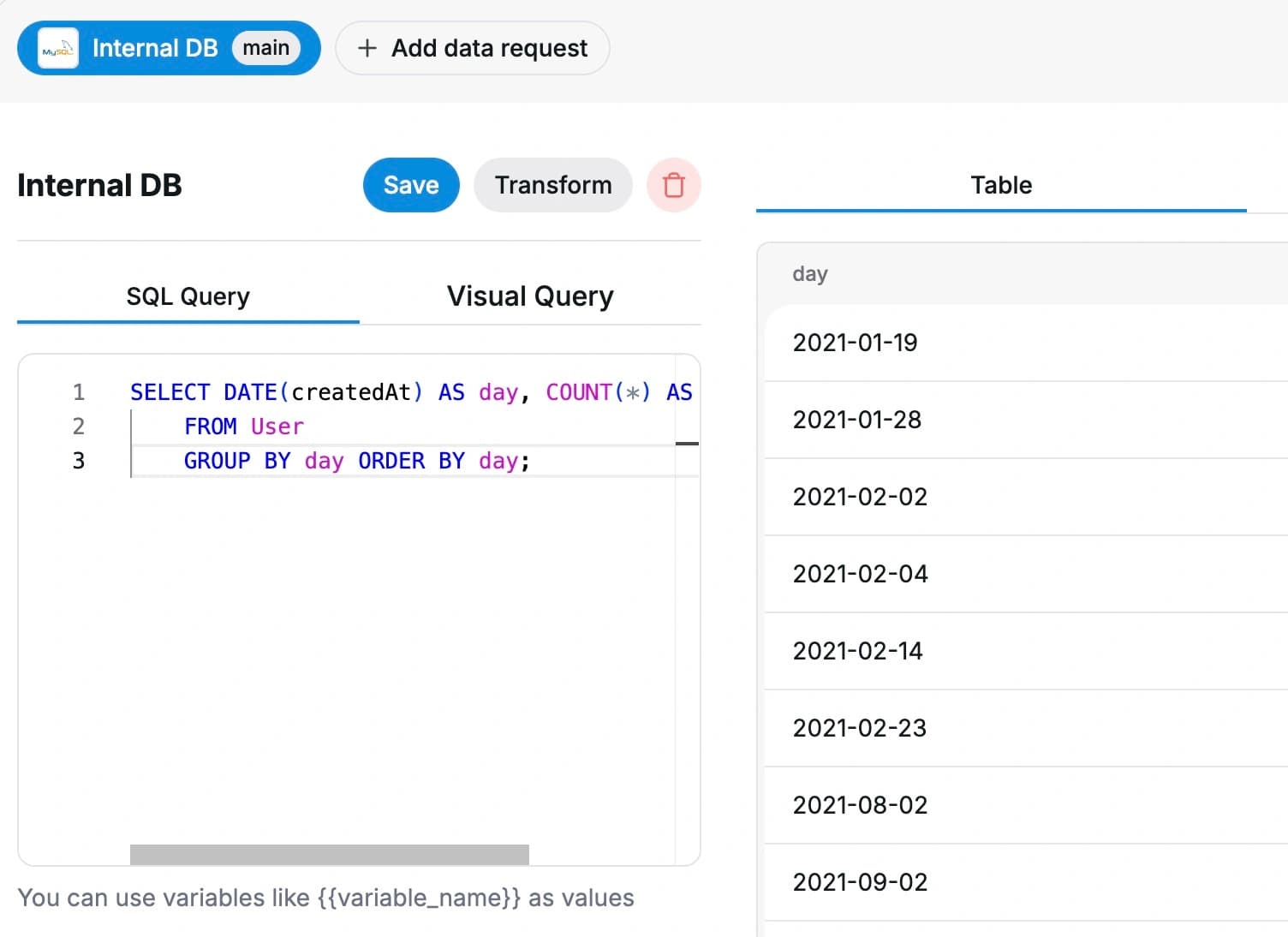
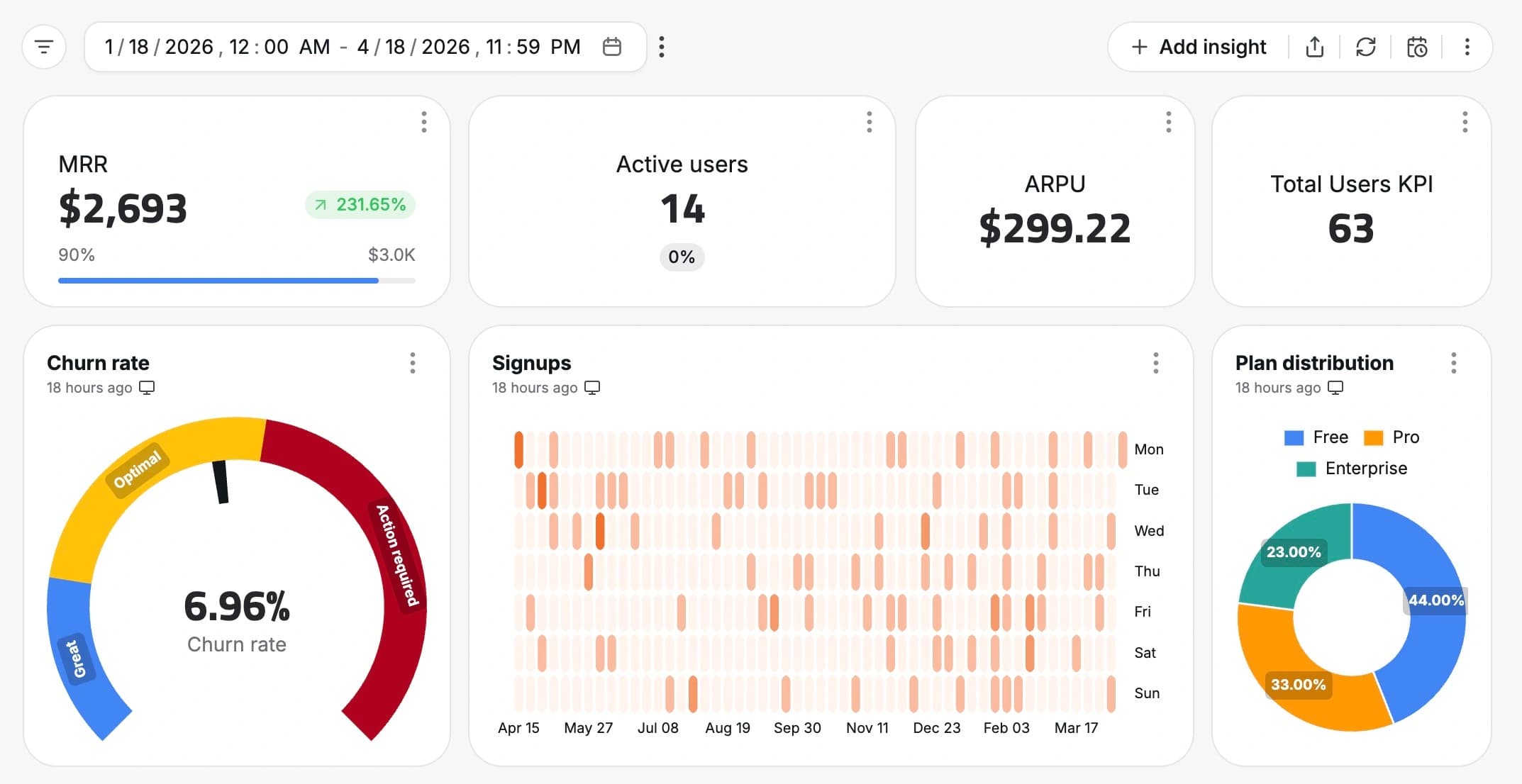
Build your dashboard
Create KPI cards, charts, tables, and views your team can check every day.
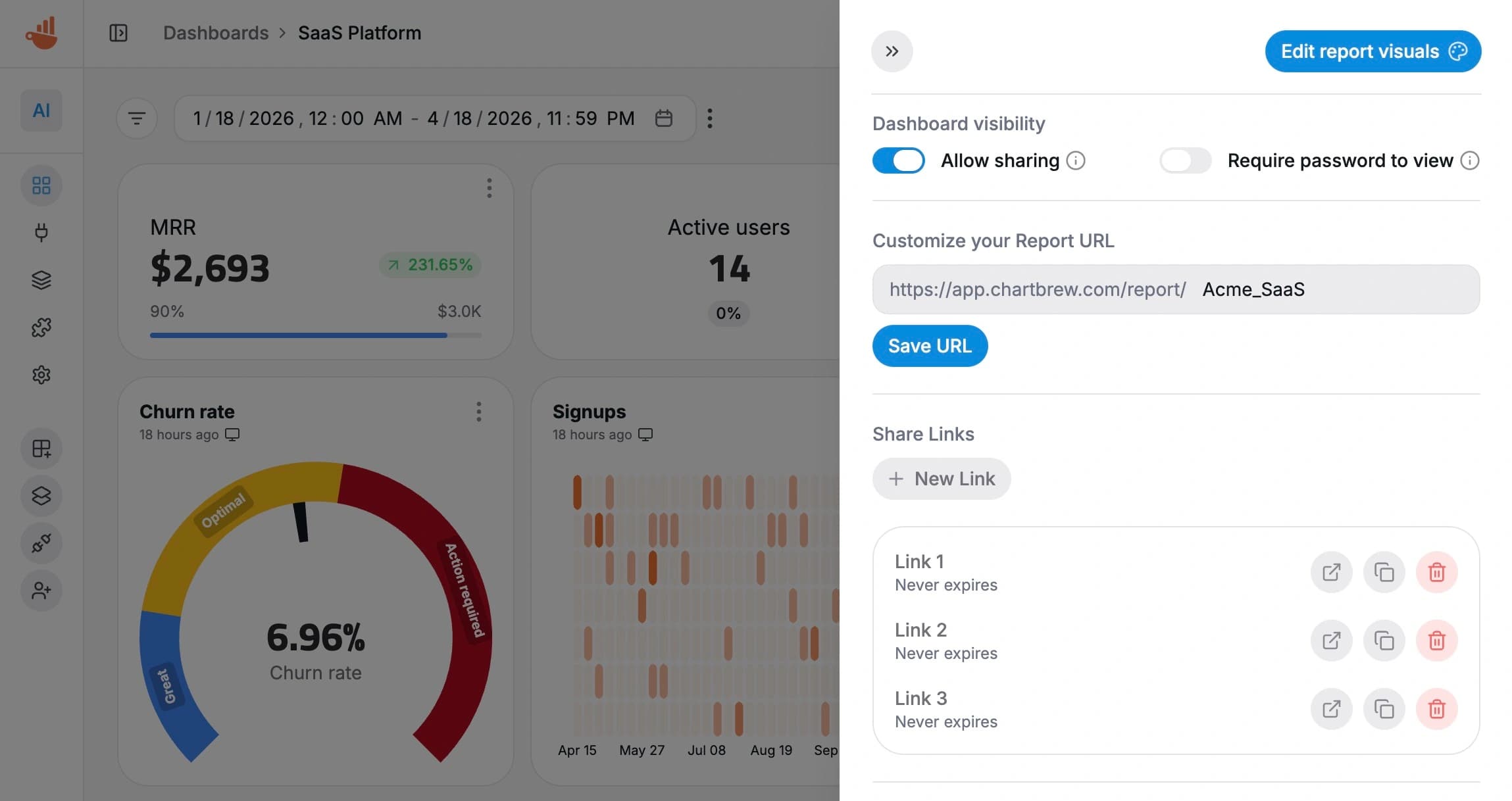
Share and automate
Keep dashboards updated automatically, send snapshots, and share them across your team or product.
Why Teams Switch
Stop patching reporting together
Chartbrew replaces recurring spreadsheet work, reporting bottlenecks, and stale dashboard screenshots with one live reporting layer.
Less spreadsheet busywork
Stop rebuilding the same KPI views in spreadsheets and slides every week.
Less reporting bottleneck
Give your team a shared place to check performance instead of routing every request through one person.
Less dashboard drift
Keep live metrics connected to the source data instead of relying on stale screenshots and manual updates.
Product Teams
Built for product teams that want clear answers fast
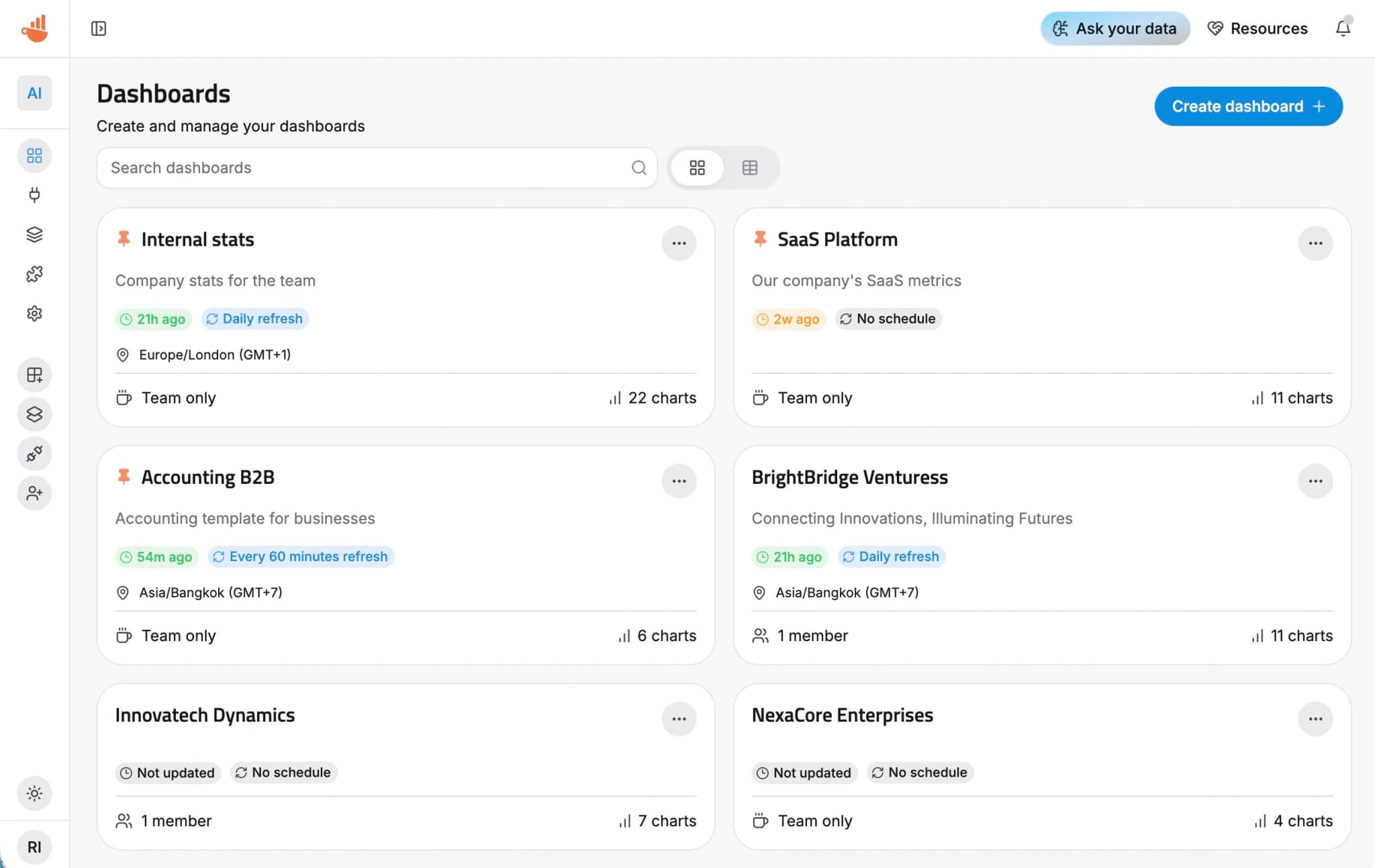
Track the metrics that matter to your business, from revenue and signups to activation, usage, and internal performance. Chartbrew gives your team one place to monitor what is happening without adopting a heavy BI workflow.
Track revenue, profit, and growth metrics
Monitor signups, activation, and usage
Share the same dashboards across product, ops, and leadership
Add alerts, snapshots, and embeds when you need more than internal reporting
Developers
Technical enough for your stack, simple enough for your team
Use the Reporting API, embed charts and dashboards in your product, automate report delivery, or self-host Chartbrew when you want more control.
curl --request POST \
  --url https://api.chartbrew.com/project/{project_id}/chart/quick-create \
  --header 'Authorization: Bearer <token>' \
  --header 'Content-Type: application/json' \
  --data '
{
  "project_id": 123,
  "name": "<string>",
  "type": "line",
  "subType": "<string>",
  "public": false,
  "shareable": false,
  "displayLegend": false,
  "pointRadius": 123,
  "dataLabels": false,
  "startDate": "2023-11-07T05:31:56Z",
  "endDate": "2023-11-07T05:31:56Z",
  "dateVarsFormat": "<string>",
  "includeZeros": true,
  "currentEndDate": false,
  "fixedStartDate": false,
  "timeInterval": "day",
  "autoUpdate": 123,
  "draft": true,
  "mode": "chart",
  "maxValue": 123,
  "minValue": 123,
  "disabledExport": true,
  "onReport": true,
  "xLabelTicks": "default",
  "stacked": false,
  "horizontal": false,
  "showGrowth": false,
  "invertGrowth": false,
  "layout": {},
  "isLogarithmic": false,
  "content": "<string>",
  "ranges": {
    "ranges": [
      {
        "min": 123,
        "max": 123,
        "label": "<string>"
      }
    ]
  },
  "dashedLastPoint": false,
  "defaultRowsPerPage": 10,
  "chartDatasetConfigs": [
    {
      "dataset_id": 123,
      "xAxis": "<string>",
      "xAxisOperation": "<string>",
      "yAxis": "<string>",
      "yAxisOperation": "none",
      "dateField": "<string>",
      "dateFormat": "<string>",
      "conditions": [
        {
          "id": "<string>",
          "field": "<string>",
          "operator": "is",
          "value": "<string>",
          "displayValues": true
        }
      ],
      "formula": "<string>",
      "datasetColor": "<string>",
      "fillColor": "<string>",
      "fill": false,
      "multiFill": false,
      "legend": "<string>",
      "pointRadius": 123,
      "excludedFields": [
        "<string>"
      ],
      "sort": "asc",
      "columnsOrder": [
        "<string>"
      ],
      "order": 1,
      "maxRecords": 123,
      "goal": 123,
      "configuration": {
        "variables": [
          {
            "name": "<string>",
            "value": "<string>"
          }
        ]
      }
    }
  ]
}
'
Reporting API
Automate dashboard and reporting workflows programmatically.
Embeds
Add live charts and dashboards to your product or internal tools.
Share controls
Public, protected, and tokenized sharing options for reports and charts.
Self-hosting
Run Chartbrew yourself when you need full control.
Use Cases
Start with the dashboard your team actually needs
Use Chartbrew for KPI tracking, internal reporting, embeds, or reusable dashboard setups that scale with your team.
SaaS analytics dashboards
Track MRR, churn, activation, product usage, and customer health with live dashboards built from your database and product events.
Explore solution
Healthcare dashboards
Monitor operations, patient flow, care delivery, and internal KPIs with secure, always-updated reporting built for healthcare teams.
Explore solution
Supply chain and logistics dashboards
Visualize shipments, fulfillment performance, warehouse operations, and delivery metrics from your logistics stack in one reporting layer.
Explore solution
See what others say about Chartbrew
Ready to start
Start tracking your KPIs with Chartbrew
Connect your data, build live dashboards, and give your team one place to check the numbers that matter.
