
Free AI SQL Query Optimizer
Paste a SQL query and get AI-assisted suggestions for making it clearer, faster, and easier to reuse in dashboards, reports, and scheduled datasets.
This tool uses the OpenAI models to optimize your SQL queries. It will suggest optimizations and improvements to your query. Please note that the query might not be 100% accurate, but should point you in the right direction.
Optimize SQL before it becomes a dashboard bottleneck
SQL used for reporting has a different job than one-off exploration. A dashboard query may refresh on a schedule, run for multiple viewers, feed KPI cards, and support filters across clients, teams, or date ranges. This free optimizer helps you review query structure before it becomes part of a recurring reporting workflow.
When you are ready to use the query with live data, Chartbrew can connect to PostgreSQL, MySQL, Amazon RDS, Supabase, ClickHouse, TimescaleDB, APIs, and other sources to build reusable datasets, charts, tables, and live KPI dashboards.
What the AI SQL optimizer checks
Query structure
Review joins, subqueries, filters, ordering, grouping, and selected columns so the query is easier to understand and maintain.
Index and filter opportunities
Look for places where indexes, narrower filters, or better date constraints may help a database return dashboard results faster.
Reporting readiness
Prepare SQL that works well for KPI cards, trend charts, tables, tenant filters, and recurring scheduled refreshes.
Plain-language explanations
Use the suggestions to understand why a query may be expensive before saving it as a reusable dataset.
Use your optimized SQL
Create dashboards from PostgreSQL, MySQL, and other live sources
Chartbrew helps you turn SQL datasets into live KPI dashboards for revenue, users, product activity, operations, and client reporting. Connect a database, reuse your queries, add filters, then share dashboards or scheduled snapshots.
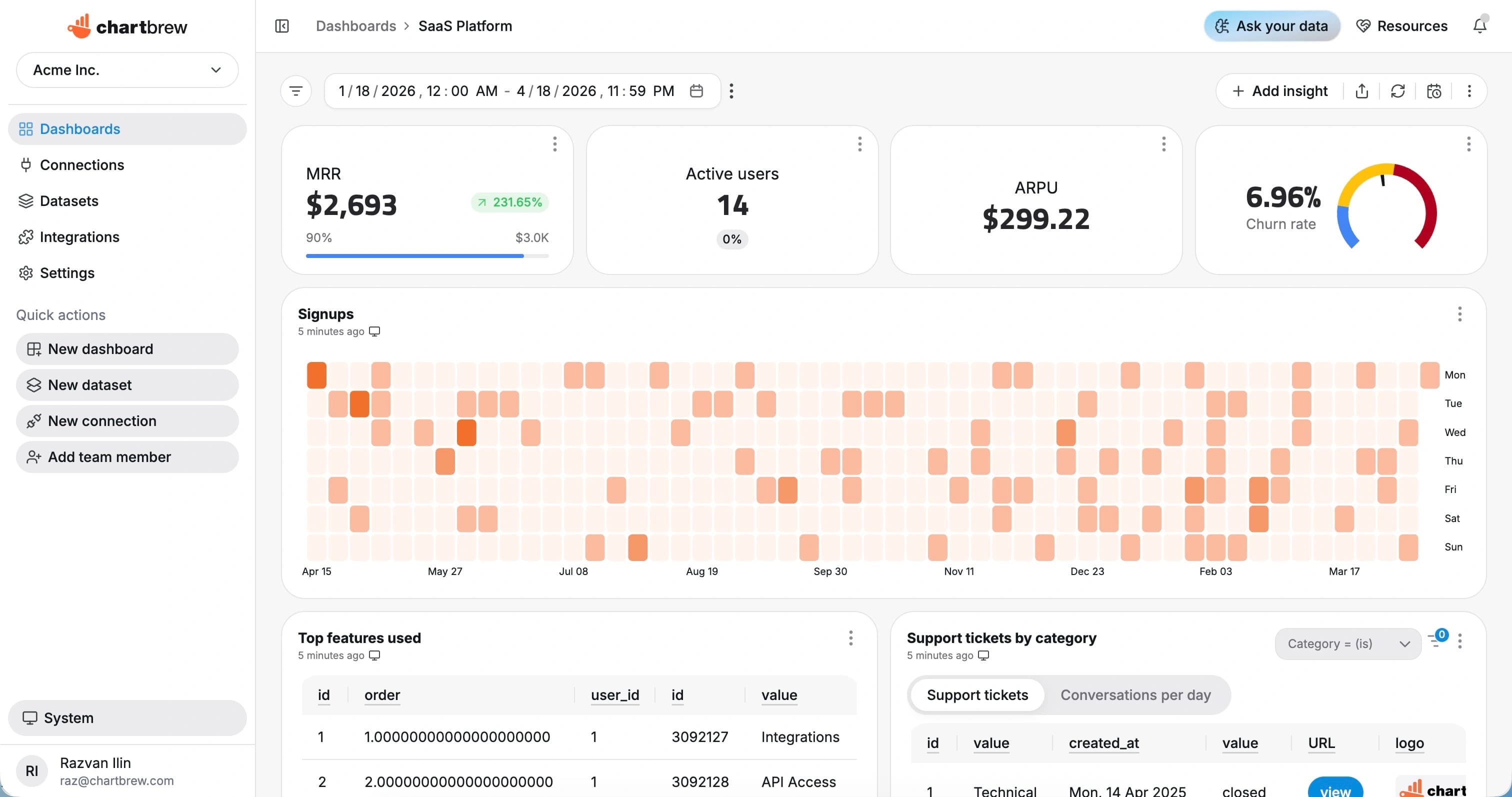
From optimized SQL to live dashboards in Chartbrew
1. Connect your database
Use Chartbrew with PostgreSQL, MySQL, Amazon RDS, Supabase, ClickHouse, TimescaleDB, or other supported sources.
2. Save reusable datasets
Use the optimized SQL in Chartbrew datasets for revenue, users, product activity, operations, and client reporting.
3. Share reporting
Turn dataset results into charts, tables, filters, embedded reports, and scheduled dashboard snapshots.
FAQ
What does the free AI SQL optimizer do?
The free AI SQL optimizer reviews a SQL query and suggests ways to make it easier to read, maintain, and tune for dashboard workloads. It is useful when a report, KPI card, or recurring dataset depends on a query that has become slow or hard to reason about.
Which SQL databases does Chartbrew work with?
Chartbrew works with SQL sources such as PostgreSQL, MySQL, Amazon RDS, Supabase, ClickHouse, and TimescaleDB, so optimized SQL can become reusable datasets for live dashboards.
Can optimized SQL queries be used in Chartbrew dashboards?
Yes. In Chartbrew, SQL queries can power charts, tables, KPI cards, filters, embedded reports, and scheduled dashboard snapshots.
Do I need a Chartbrew account to use this SQL optimizer?
No. The optimizer on this page is free to use without signing up. A Chartbrew account is only needed when you want to connect a database, save datasets, build dashboards, schedule refreshes, or share reports.
Ready to start
Start tracking your KPIs with Chartbrew
Connect your data, build live dashboards, and give your team one place to check the numbers that matter.
