
Free AI MongoDB Query Optimizer
Paste a MongoDB query or aggregation pipeline and get AI-assisted suggestions for cleaner filters, projections, stages, and dashboard-ready reporting datasets.
This tool uses the OpenAI models to optimize your MongoDB query language expressions. It will suggest optimizations and improvements to your query to enhance database performance and help you create more efficient MongoDB charts and visualizations. Please note that the query might not be 100% accurate, but should point you in the right direction.
Optimizing your MongoDB query can significantly improve the performance of your database operations and MongoDB charts. Whether you're building dashboards, reports, or data visualizations, efficient queries are essential for fast data retrieval and analysis.
Your MongoDB query:
Sample data for better optimization (optional):
Make MongoDB queries easier to use in live reporting
MongoDB dashboards often depend on queries that filter nested documents, project only the fields a chart needs, and aggregate events or records by status, account, date, or product activity. This optimizer helps you review those query patterns before they become recurring dashboard datasets.
With Chartbrew's MongoDB integration, MongoDB collections and documents can power live dashboards for product activity, customer data, support queues, revenue records, and internal operations.
What the MongoDB optimizer looks for
Earlier filters
Move selective filters closer to the start of a query or aggregation pipeline so later stages work with less data.
Projection cleanup
Return only the fields needed for a chart, table, KPI card, or dashboard filter instead of passing full documents downstream.
Aggregation pipeline structure
Review match, group, sort, unwind, and lookup stages so reporting queries stay readable and easier to maintain.
Dashboard use cases
Shape query output for product activity, workflow statuses, user growth, revenue summaries, operational tables, and client filters.
Use your MongoDB data
Create dashboards from MongoDB collections and documents
Chartbrew connects to MongoDB so product, customer, workflow, revenue, and operations data can become live dashboards. Build reusable datasets, visualize nested records, add dashboard filters, and share scheduled snapshots.
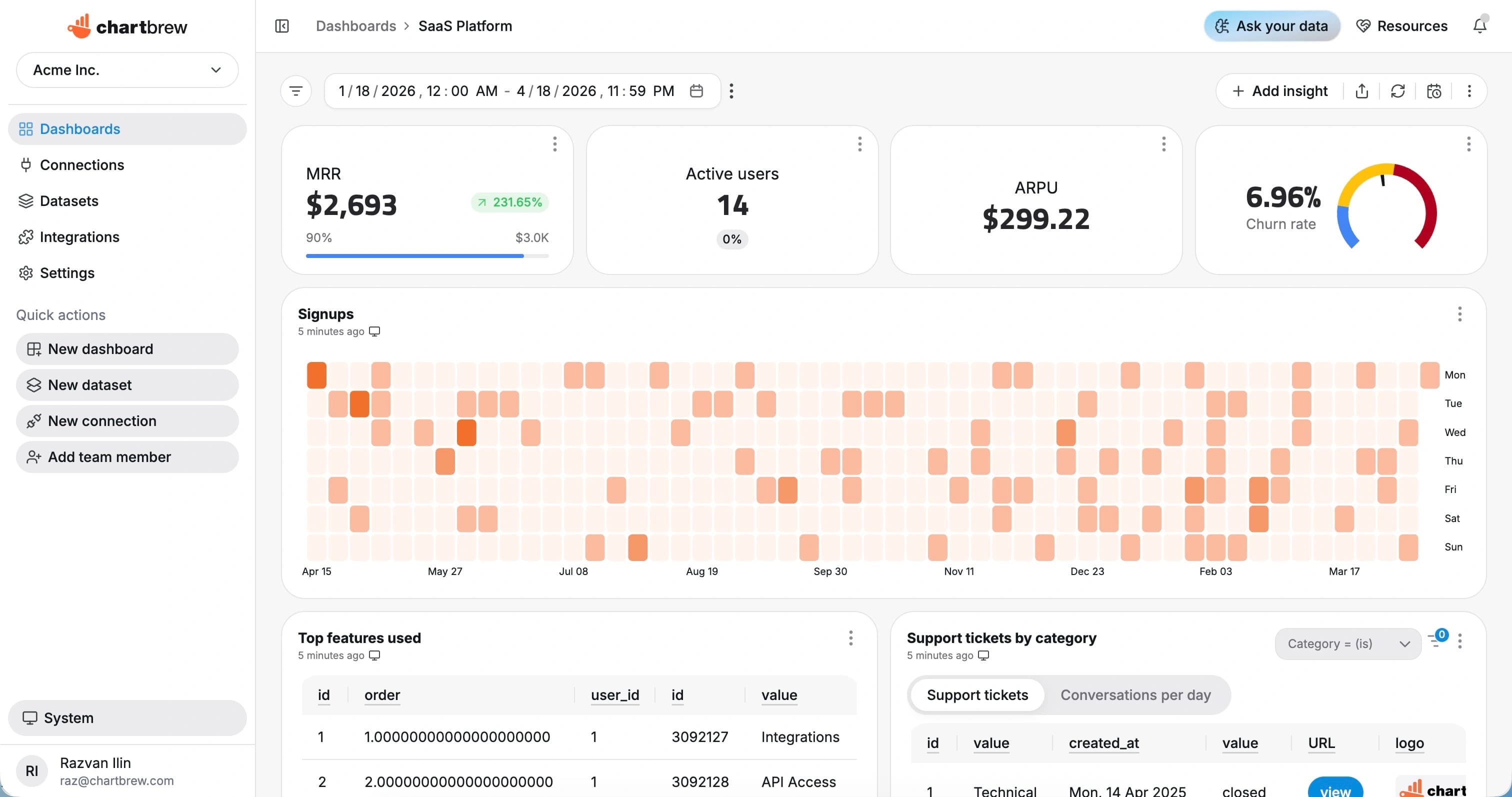
Use optimized MongoDB datasets in Chartbrew
1. Connect MongoDB
Add a reachable MongoDB database with the connection details and read access required for reporting collections.
2. Build reusable datasets
Create datasets from collections, document fields, nested values, timestamps, statuses, accounts, and numeric metrics.
3. Share live dashboards
Use the results in charts, tables, filters, embedded dashboards, scheduled refreshes, and automated snapshots.
FAQ
What does the free AI MongoDB query optimizer do?
The free AI MongoDB query optimizer reviews MongoDB queries and aggregation pipelines, then suggests ways to improve structure, projections, filters, and dashboard readiness.
Can Chartbrew connect to MongoDB?
Yes. Chartbrew can connect to MongoDB databases and use collections, documents, nested fields, and Mongo shell queries as reusable datasets for dashboards.
Can I use MongoDB aggregation pipelines in Chartbrew?
Chartbrew supports MongoDB query workflows for building charts and dashboards from collections and aggregation-style reporting datasets.
Do I need to sign up to use this MongoDB optimizer?
No. The optimizer on this page is free to use without signing up. A Chartbrew account is only needed when you want to connect MongoDB, save datasets, build dashboards, or share reports.
Ready to start
Start tracking your KPIs with Chartbrew
Connect your data, build live dashboards, and give your team one place to check the numbers that matter.
