 Airtable integration
Build live Airtable dashboards for bases, views, records, and client reporting
Connect Airtable to Chartbrew and turn tables, views, linked records, statuses, owners, dates, and operational fields into live dashboards for teams, clients, and recurring reports.
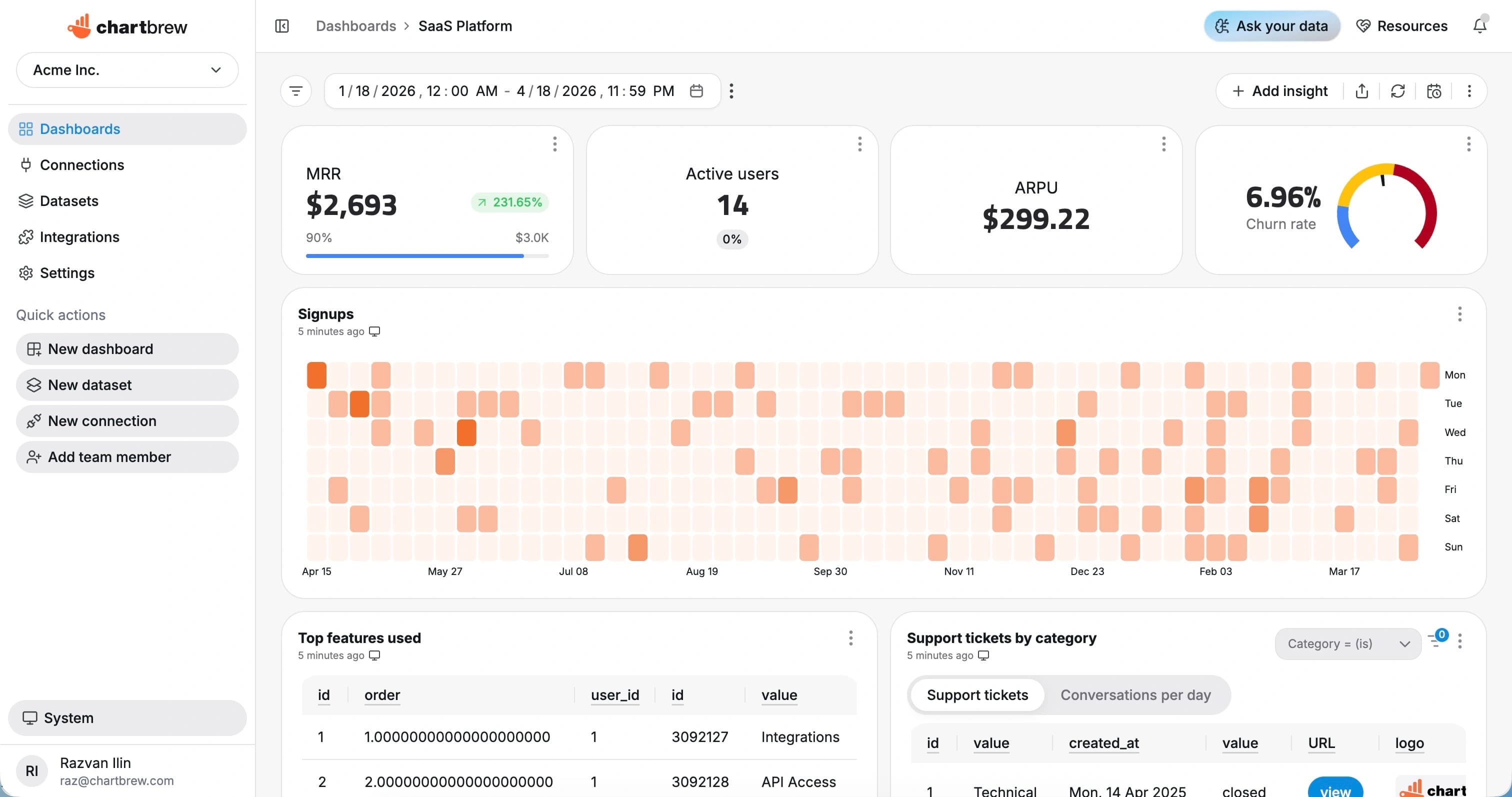
What You Can Track
Airtable metrics that make bases easier to report on
Turn Airtable records into repeatable dashboards for project tracking, CRM reporting, content operations, support queues, and custom workflows.
Records by status
Track active, completed, blocked, or overdue records across a base or filtered view.
Owner workload
Group records by assignee, collaborator, department, or team to spot uneven workload.
Pipeline stages
Visualize opportunities, content items, tickets, or tasks by current Airtable stage.
Time-based trends
Chart records created, updated, completed, or due over daily, weekly, and monthly periods.
Table summaries
Build KPIs from numeric fields, formulas, rollups, and counts inside Airtable tables.
Filtered views
Use Airtable views to keep dashboards focused on the records each audience needs.
How It Works
From Airtable connection to live dashboard
The Airtable workflow is built around a source connection, reusable datasets, scheduled refreshes, and shareable dashboards.
Connect Airtable
Add Airtable API access and the base or view you want to use for reporting.
Choose the reporting scope
Choose the base, table, view, fields, filters, and date ranges that should power the dashboard.
Create datasets
Turn the response fields you need into KPI, chart, and table datasets with filters and date ranges.
Share live reporting
Publish dashboards, embed reports, or send scheduled snapshots so reporting stays repeatable.
Why Chartbrew for Airtable
A reporting layer for Airtable workflows that outgrow views
Chartbrew helps turn Airtable into shareable dashboards with live charts, scheduled reporting, embeds, and reusable datasets.
Dashboard-friendly Airtable data
Move from record views to KPI cards, trend charts, tables, and dashboard sections that are easier to share.
Views become reporting scopes
Use Airtable views and filters as practical boundaries for client, team, and workflow-specific dashboards.
Client-ready reporting
Share dashboards and snapshots without inviting every stakeholder into the underlying Airtable base.
Scheduled refreshes
Keep Airtable dashboards current with refresh schedules for weekly operations and client updates.
AI-assisted exploration
Use Chartbrew AI to turn Airtable fields and reporting questions into chart ideas faster.
Mix with other sources
Combine Airtable operations with databases, APIs, analytics, Stripe, Jira, and other Chartbrew sources.
Setup Requirements
What you need before connecting Airtable
Start with the right Airtable access, a clear reporting scope, and a few fields that map to useful dashboard metrics.
An Airtable base with the tables and fields you want to report on
Airtable API access for the workspace, base, or table
A selected table, view, or filtered record scope for the dashboard
Date, status, owner, numeric, formula, or linked-record fields for useful breakdowns
Optional client, project, team, or workflow context for reusable dashboard filters
| Dataset idea | What it can power |
|---|---|
| Records by status | Counts of Airtable records grouped by status, stage, or workflow field |
| New records over time | Records created by day, week, or month for activity reporting |
| Owner workload | Open records grouped by collaborator or assignee field |
| Overdue records | Records with due dates before today and incomplete statuses |
| Pipeline summary | Opportunities, projects, or tasks grouped by stage |
| Formula totals | Numeric summaries from Airtable formula, rollup, or currency fields |
| Client view | Filtered records for a specific client, account, or project |
| Recently updated records | Records sorted by last modified time for operational reviews |
Setup Guide
Follow the Airtable visualization guide
Use the walkthrough to connect Airtable, select a base, create your first dataset, and turn Airtable records into a Chartbrew dashboard.
Related Features
Features that make Airtable reporting useful
Use Airtable dashboards with Chartbrew automation, AI workflows, sharing, embeds, filters, and reporting tools.
Reporting API
Use Chartbrew alongside API-driven reporting workflows when teams need dashboards and programmable access.
Webhooks
Trigger reporting workflows and keep dashboards aligned with events from the rest of your stack.
Chartbrew AI
Turn API, product, marketing, and operational questions into chart and dataset ideas faster.
Data update schedules
Keep API dashboards refreshed on the cadence your reporting workflow needs.
Dashboard snapshots
Send recurring API dashboard snapshots to stakeholders without rebuilding weekly status reports.
Embedded reports
Publish API-powered charts inside client portals, internal tools, and shared reporting pages.
Related Integrations
Connect Airtable with the rest of your reporting stack
Blend Airtable metrics with product, customer, revenue, analytics, project, and operational data from other Chartbrew sources.
FAQ
Airtable integration questions
Practical details about using Airtable data in Chartbrew dashboards.
Build your Airtable dashboard
Turn Airtable bases into live reporting without another spreadsheet export
Connect Airtable, create reusable datasets, and share dashboards for operations, clients, projects, and custom workflows.
